I’ve owned four different Kindles over the past decade. Every single one replaced a growing pile of books on my nightstand that kept falling over at 2 AM. The current lineup is the best Amazon has ever made, and picking the right one comes down to how you read, not how much you spend.
Here’s every current Kindle model compared, with honest recommendations based on who each one is actually for.
Quick Pick: Which Kindle Should You Buy?
| Model | Price Range | Best For |
|---|---|---|
| Kindle Paperwhite | $150-160 | Most readers (the default pick) |
| Kindle (base) | $100-110 | First-time e-reader, casual readers |
| Kindle Scribe | $350-400 | Note-takers, students, PDF reviewers |
| Kindle Paperwhite Kids | $160-170 | Families with kids who read |
| Fire HD 8 | $100-110 | People who want more than just reading |
| Fire HD 8 Kids | $140-150 | Young kids (ages 3-7) who need limits |
If you just want to read books, get the Paperwhite. Everything below explains why.
Kindle Paperwhite: The One Most People Should Buy
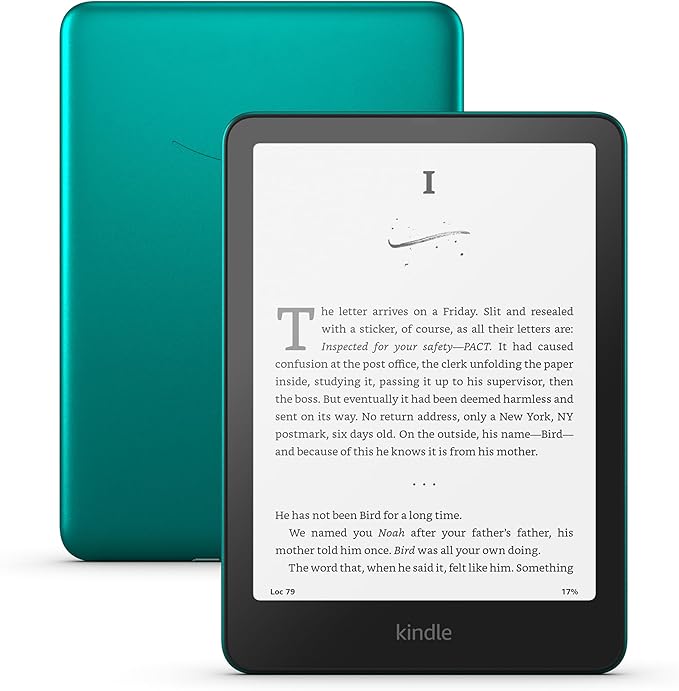
The Paperwhite is Amazon’s best-selling Kindle for a reason. The 7-inch glare-free display looks like real paper, the battery lasts weeks (not days, weeks), and page turns are noticeably faster than previous models.
It’s waterproof. I’ve read mine in the bathtub more times than I’ll admit.
The adjustable warm light makes a real difference for nighttime reading. My wife reads in bed with hers cranked to warm, and it doesn’t bother me the way a phone screen does. If you read before sleep, this feature alone is worth the upgrade from the base model.
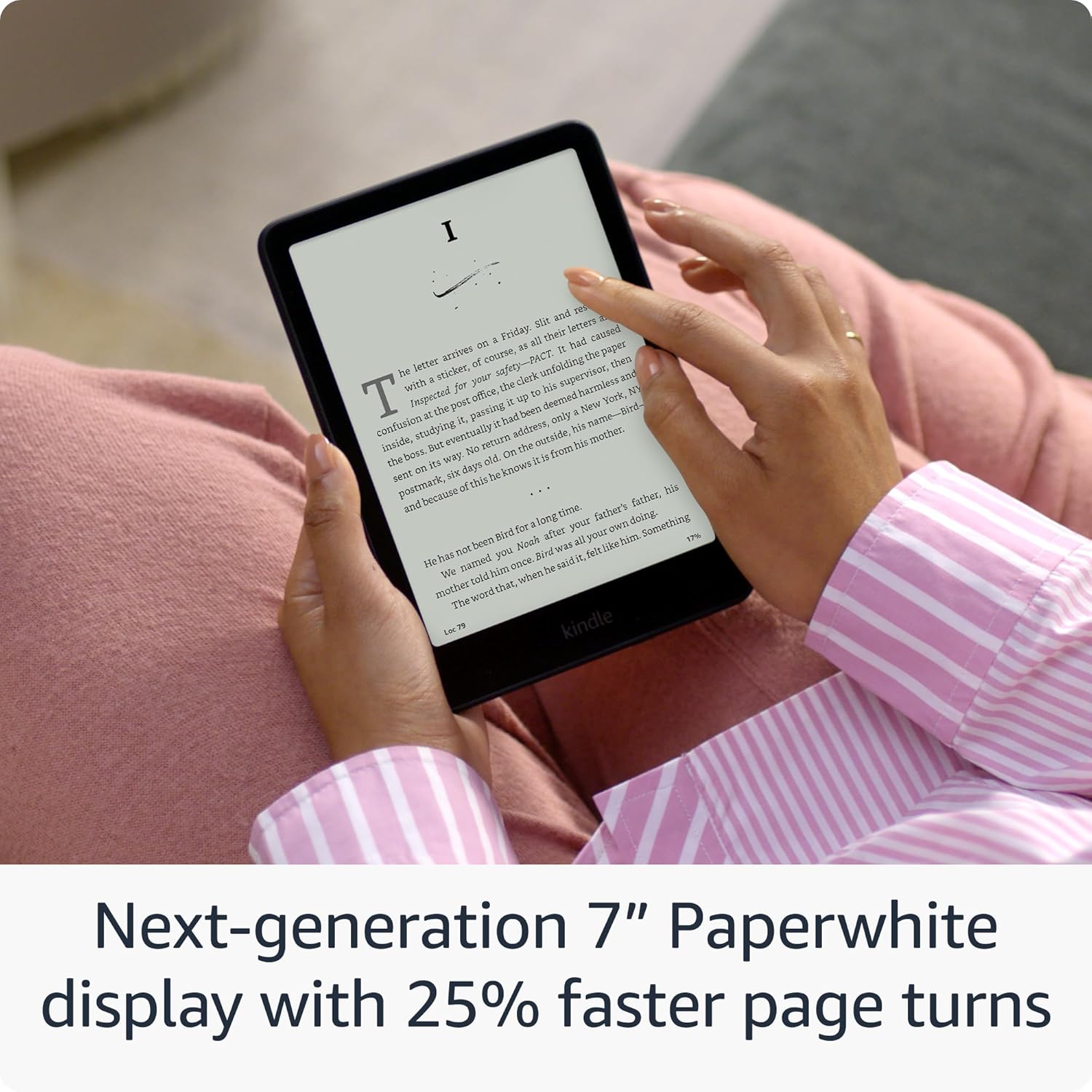
The Signature Edition adds wireless charging, auto-adjusting light, and bumps storage to 32 GB. Worth it if you carry a huge library or hate plugging things in. Otherwise the standard Paperwhite covers everything you need.
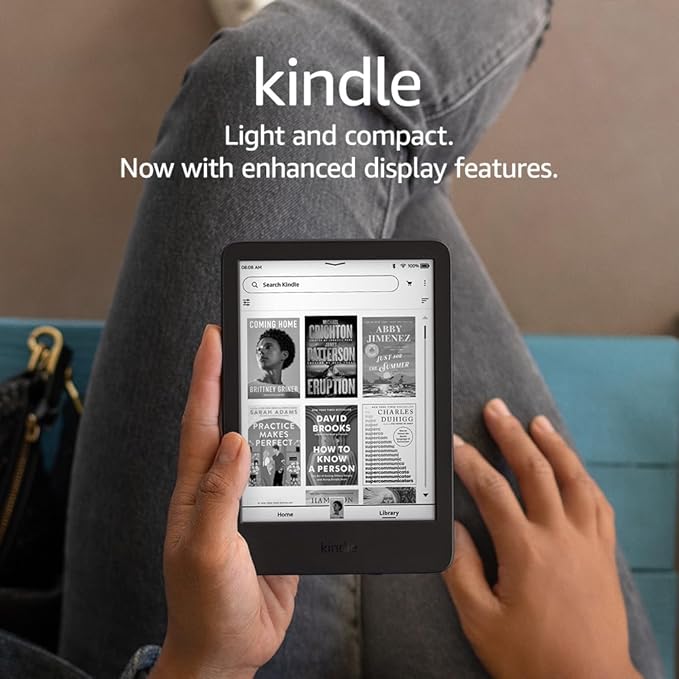
Kindle Base Model: The Budget Pick
The lightest Kindle ever made. At 158 grams, you genuinely forget you’re holding it. The trade-off? Smaller 6-inch screen (vs. the Paperwhite’s 7-inch), no warm light, and it’s not waterproof.
For a first-time e-reader buyer, this is the right call. It does everything a Kindle needs to do at roughly $50 less than the Paperwhite. The front light works well in dark rooms, and battery life still stretches to weeks.
I’d pick this for someone who’s Kindle-curious but not ready to commit. If they love it (and they probably will), they can upgrade later.
Kindle Scribe: For Note-Takers and PDF People
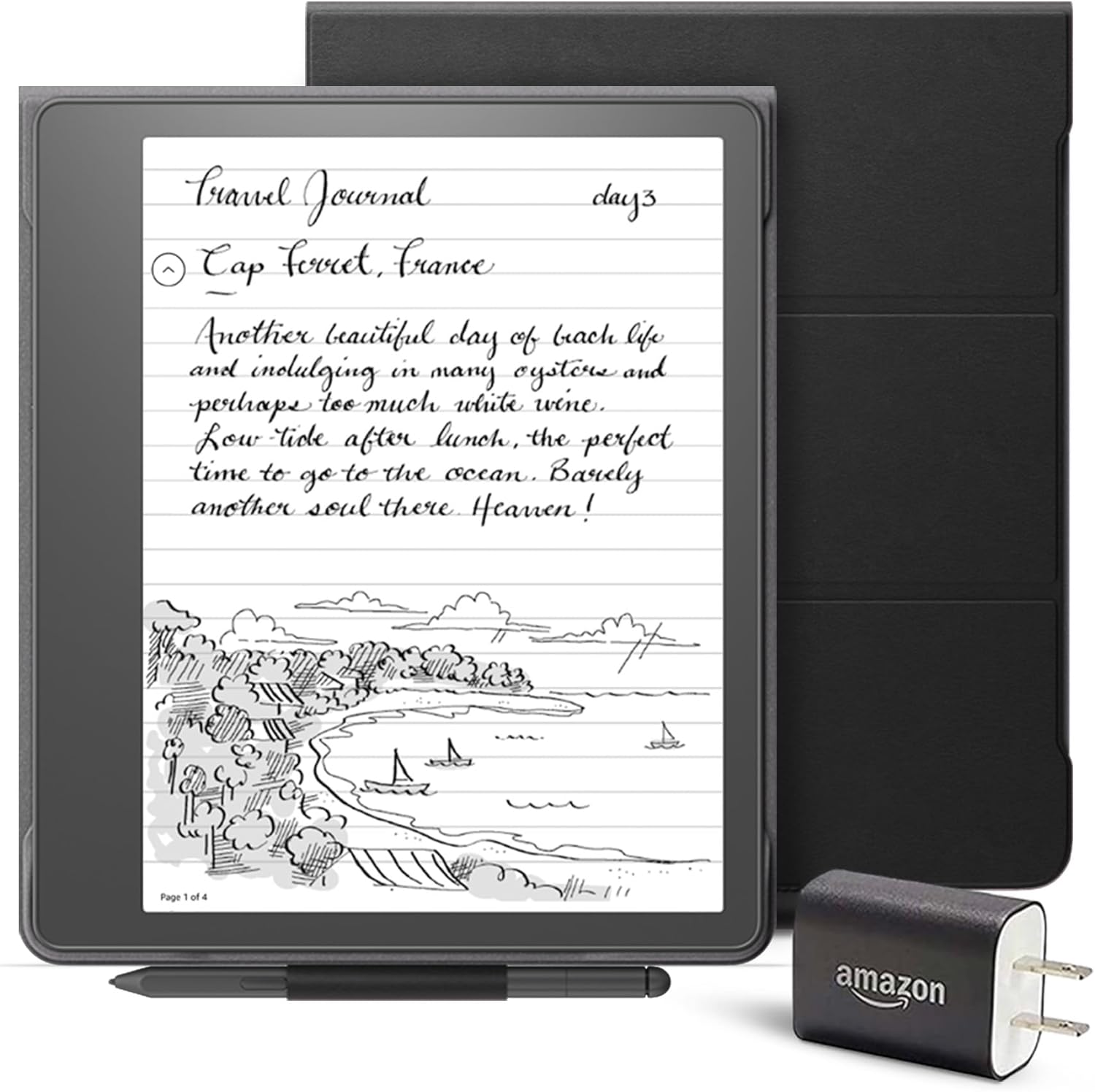
The Scribe is a different animal. A 10.2-inch screen with a stylus that lets you write directly on the page. Think of it as a Kindle crossed with a notebook.
It’s genuinely useful if you annotate books, review PDFs for work, or want to replace paper notebooks. The writing feels natural with zero lag. My engineering brain loves it for marking up technical docs.
The catch: it’s heavy for a Kindle (433g), and at $350+, it’s not for casual readers. This is a productivity tool that happens to also be an excellent e-reader. If you don’t take notes, save your money and get the Paperwhite.
Kindle Paperwhite Kids: Built for Families
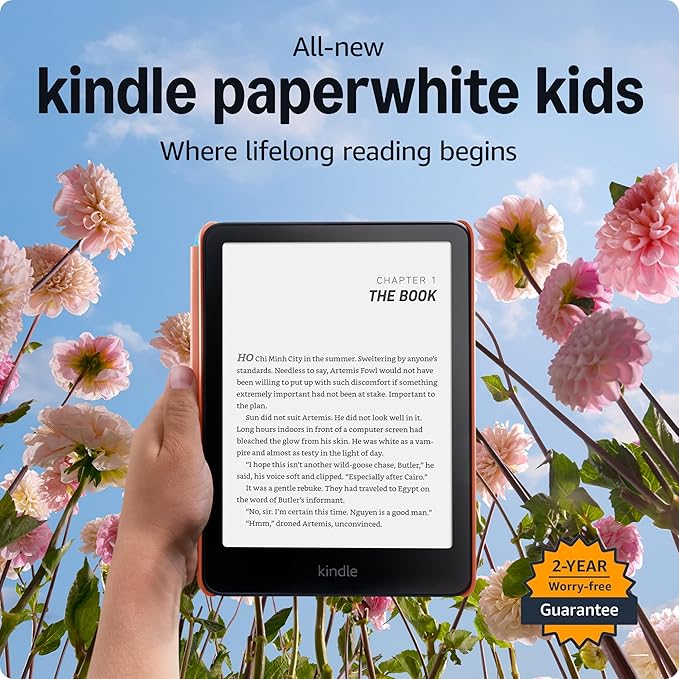
Same hardware as the regular Paperwhite. The difference is what comes with it: a kid-friendly cover, a 2-year worry-free guarantee (they’ll replace it, no questions asked), and a year of Amazon Kids+.
Amazon Kids+ gives access to thousands of age-appropriate books. The Parent Dashboard lets you see reading progress, set bedtime limits, and control what they access. No games, no social media, no YouTube rabbit holes. Just books.
Both my kids started on these before graduating to regular Kindles. The worry-free guarantee paid for itself when my son dropped his in the school parking lot. Twice.
Is Kindle Unlimited Worth It?
Kindle Unlimited is $11.99/month for access to over 4 million ebooks and thousands of audiobooks. No limit on how many you can read at once (well, 20 at a time).
Here’s when it’s worth it: if you read 2+ books per month and you’re flexible about what you read. The catalog leans heavily toward indie/self-published titles and backlist books. Bestsellers from major publishers (think Stephen King, Colleen Hoover, Brandon Sanderson) are usually not included.
When it’s not worth it: if you only read specific new releases or you read less than one book a month. At that point, just buy the books you want.
My recommendation? Start with the free trial. If you find yourself using it daily, keep it. If you forget about it after a week, cancel before you get charged.
Is Audible Worth It?
Audible runs $14.95/month and gives you one credit per month (good for any audiobook), plus access to a rotating catalog of included titles.
I use Audible during commutes and while cooking. One credit per month sounds limiting, but the Plus catalog (included free with membership) has thousands of titles. I’ve found entire series in there.
The real value: audiobooks normally cost $20-40 each. If you listen to even one per month, the subscription pays for itself. The Whispersync feature is solid too. Start reading on your Kindle, switch to audio in the car, and it picks up right where you left off.
Not worth it if you don’t have regular listening time. Unused credits roll over, but only for a year. Try Audible free for 30 days and see if it sticks.
Fire Tablets: When You Want More Than Reading
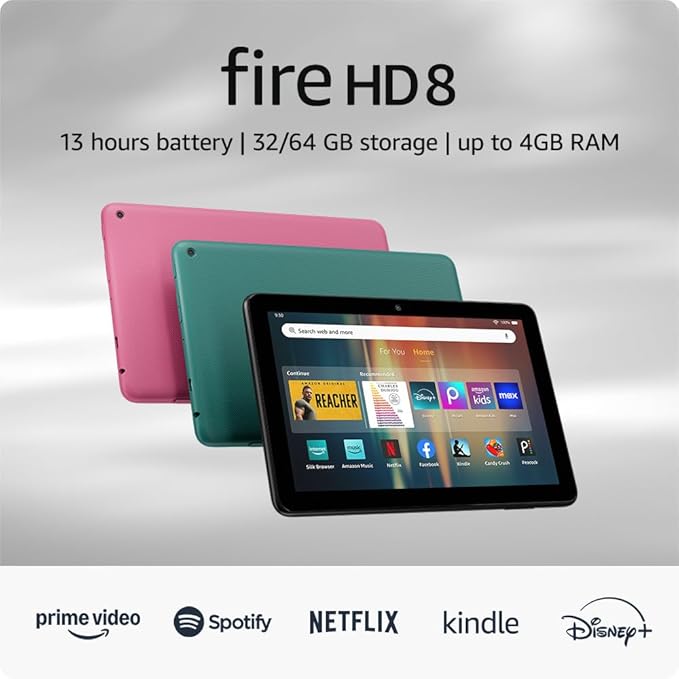
Fire tablets aren’t Kindles. They’re full Android-based tablets that happen to have the Kindle app. If you want one device for reading, streaming, and browsing, a Fire tablet does all three at a fraction of iPad pricing.
The Fire HD 8 hits the sweet spot for most people. Good screen, decent speakers, and light enough to hold while reading. It won’t replace an iPad for anything serious, but for books, Netflix, and casual browsing? It handles everything.
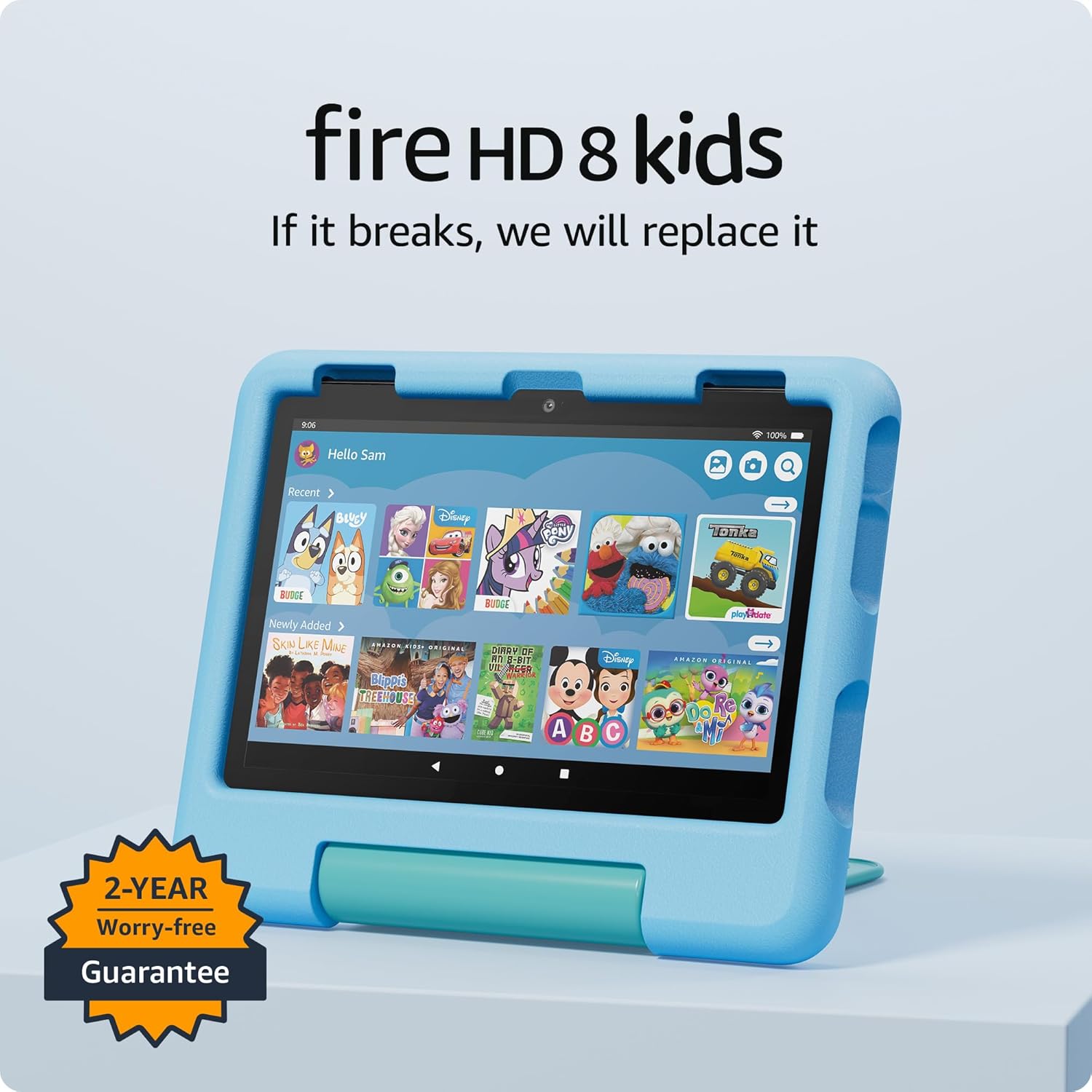
The Fire HD 8 Kids edition wraps the same tablet in a chunky, drop-proof case and includes 2 years of Amazon Kids+. If you have a younger child (ages 3-7) who wants a tablet, this is significantly cheaper than handing them your iPad and hoping for the best.
One honest note: the e-ink Kindle screen is dramatically better for long reading sessions. Fire tablets use LCD screens that strain your eyes faster. For dedicated readers, get a Kindle. For everything else, get a Fire tablet.
Frequently Asked Questions
FAQ
What’s Next
Got your Kindle sorted? Here’s where to go next:
- Best Amazon Book Deals for every type of reader
- Children’s Books by Age if you’re buying for your kids
- Best Book Lights for physical book readers
- Dr. Seuss Gifts for the little ones in your life

About These Recommendations
I’m George. I read to my kids for 10+ years before they started reading on their own. My wife’s a therapist who helped pick books that actually matter for development. Everything on this site got tested on our family first.